What is 1000minds decision-making? Featured
A high-level overview of 1000minds decision-making
Watch our free, step-by step video tutorials to help you quickly get started with 1000minds.
A high-level overview of 1000minds decision-making

Learn about conjoint analysis (DCE) and how it reveals people’s preferences, some terminology and how 1000minds is used, with examples and practical insights.

Learn how to simulate people's choices in response to modifications of your alternatives.

Get started with 1000minds by creating projects, decisions and surveys, learning how to manage these items and explore 1000minds’ large library of examples.

Learn how to configure your 1000minds decision, what the different criterion weighing methods are that 1000minds uses, and how to set your terminology.

Learn what criteria are, and how to add criteria and levels to your 1000minds decision.

Learn how to add costs and other considerations (additional to criteria) to 1000minds’ decisions to reflect budget constraints in pursuit of value for money.

Learn how to set up impossible combinations in 1000minds to exclude confusing attribute-level pairings from trade-off questions and improve survey clarity.

Learn how to add and edit alternatives you are ranking or choosing between in 1000minds, from projects to products to policies – whatever you are considering.

Learn how to import alternatives from Excel into 1000minds easily to make the most of existing datasets without having to enter each alternative manually.

Learn how 1000minds’ simple trade-off questions reveal criteria importance, helping you build powerful decision models easily for better decision-making.

Learn about how 1000minds’ voting feature helps groups express and discuss their preferences, understand others’ views and support inclusive decision-making.

Learn how to interpret and analyze 1000minds’ results – from criteria weights to ranked alternatives, as well as, potentially, costs and other considerations.

Discover more about your preferences and learn how to better understand the preference values of your criteria and their levels.

Learn how to compare ranked alternatives in 1000minds and change their ratings on the criteria, and understand how ratings determine alternatives’ rankings.

Learn how the 1000minds value-for-money chart helps compare alternatives, factor in costs and identify options delivering the best-value resource allocations.

Learn how to use the 1000minds’ value-for-money chart and alternative-selection tools to allocate budgets and scarce resources in pursuit of value for money.

Learn why scaling the minimum possible score of alternatives to a meaningful non-zero value is useful in some applications, and how to do this in 1000minds.

Learn how to get started with 1000minds conjoint analysis, by setting up and configuring your preferences survey.

Learn how to add and edit attributes in 1000minds’ conjoint analysis surveys, and how to make attributes optional or self-explicated for participants if desired.

Learn how to manually add and edit alternatives, and customize them with pictures and descriptions for your conjoint analysis survey.

Learn how to import alternatives into 1000minds from an Excel file, so you can get started quickly using an existing list of alternatives.

Learn how to customize the introduction and completion pages of your 1000minds survey.

Learn how to customize the trade-offs page in a 1000minds preferences survey (DCE), including editing text, titles, buttons and labels and controlling features.

Learn how to add customizable questions to a 1000minds survey – additional to trade-off questions – including multi-choice, text, numeric and other formats.

Learn how to customize and group optional attributes in 1000minds so each participant gets to choose their own attributes for their preferences survey (DCE).

Learn how to set up your 1000minds survey to receive participants from a survey panel provider.
Learn how to preview your 1000minds survey to ensure that everything is in place and the survey runs seamlessly.

Learn about best practices for publishing 1000minds surveys, managing access and closing responses by time or response count, with clear, practical guidance.

Learn how to monitor participant progress in your survey, how people performed on the exclusion rules, and how long people took to complete your survey.
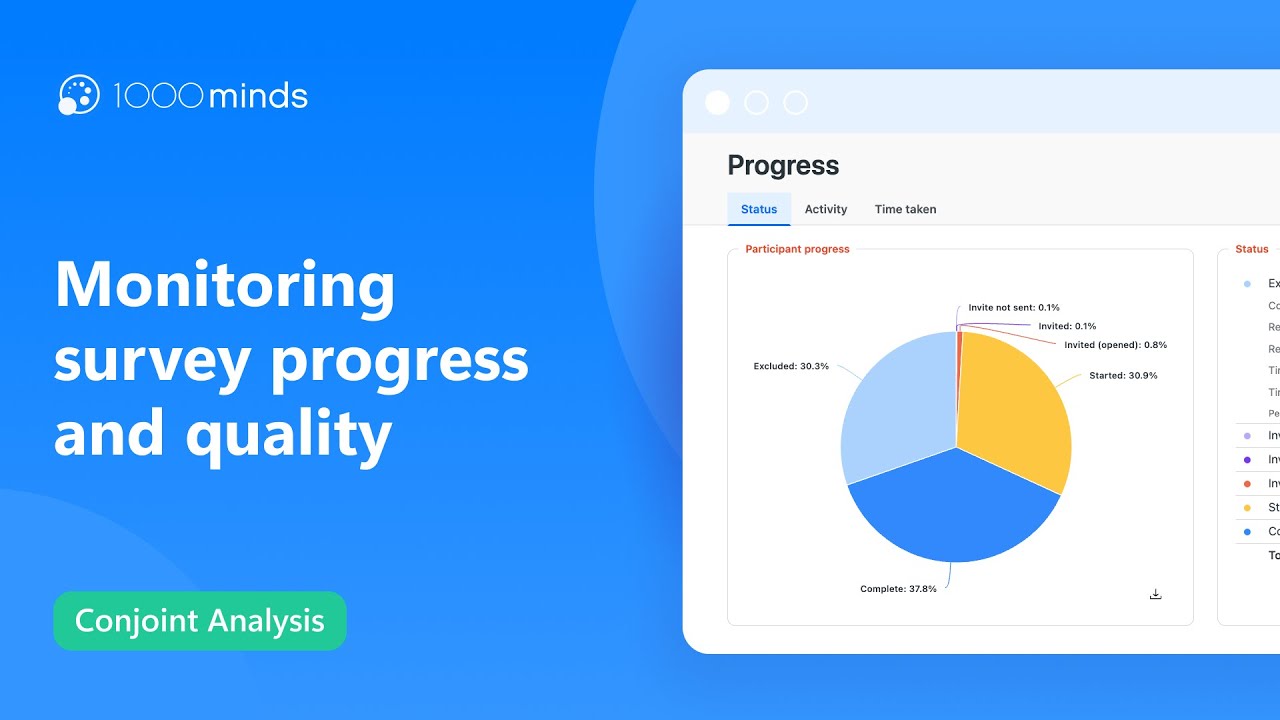
Learn how to improve the quality of your survey data by excluding responses that fail selected quality assurance tests.

Learn how to review participants’ choices in 1000minds’ surveys, including optional attributes, trade-offs and response consistency, for more reliable results.
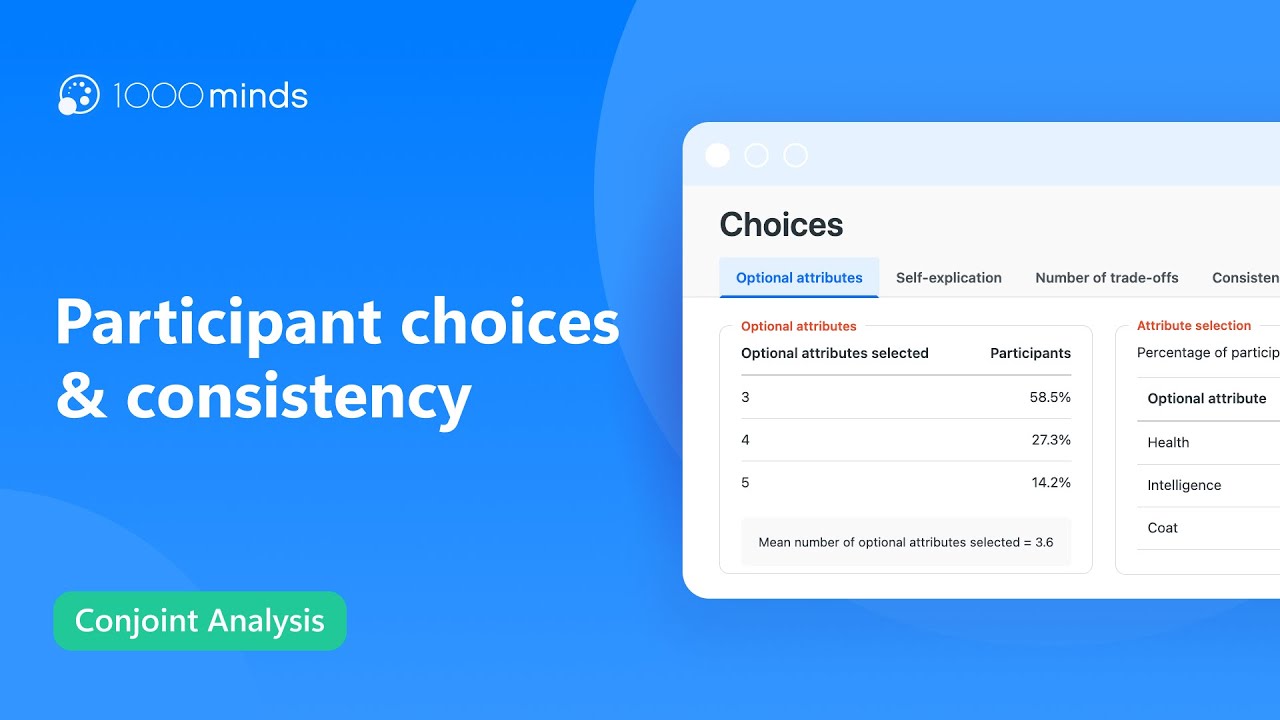
Learn how to understand the utilities of your attributes through the various graphs and charts on the 1000minds utilities page.

Learn how to analyze survey participants’ rankings of alternatives in 1000minds, and how to compare participants’ preferences and alternatives’ market shares.

Can’t find what you’re looking for? Contact us.
